Google Ecosystem vs. Traditional LMS Calculator
Select Required Features
Platform Recommendation
Select Features
Click the cards on the left to see which ecosystem fits your needs best.
You probably use Google every day. You search for answers, check your email, or store files in the cloud. But when educators and students talk about digital platforms, does Google fit the bill? The short answer is yes, but it’s not as simple as saying “yes” because it owns a lot of technology. To understand if Google is a digital platform in the context of e-learning, we need to look at what makes a platform a platform and how Google’s tools function within that definition.
A digital platform is more than just a website. It is an infrastructure that allows different users-teachers, students, administrators-to interact, create content, and collaborate. Google provides this infrastructure through its suite of tools. However, Google itself is often described as a "platform company" rather than a single product. This distinction matters when you are trying to build a curriculum or manage a virtual classroom.
Defining the Digital Platform in Education
Before we judge Google, let’s define what we mean by a digital platform in education. A true educational platform facilitates the delivery of learning content, tracks progress, and enables communication between learners and instructors. Think of systems like Moodle, Canvas, or Blackboard. These are Learning Management Systems (LMS). They have specific features: grade books, assignment submission portals, discussion boards, and integration with third-party apps.
Does Google offer these things? Not all in one single box labeled "Google LMS." Instead, Google offers a collection of interconnected services that, when combined, act as a robust digital ecosystem. This is where the confusion often starts. Is Google a platform? Yes. Is it an LMS? Sort of. It depends on which part of Google you are using.
What exactly is a digital platform?
A digital platform is a technological foundation that supports interactions between multiple groups of users. In business, it connects buyers and sellers. In education, it connects teachers, students, and content. It provides the rules, tools, and environment for these interactions to happen smoothly.
Google Workspace for Education: The Core Infrastructure
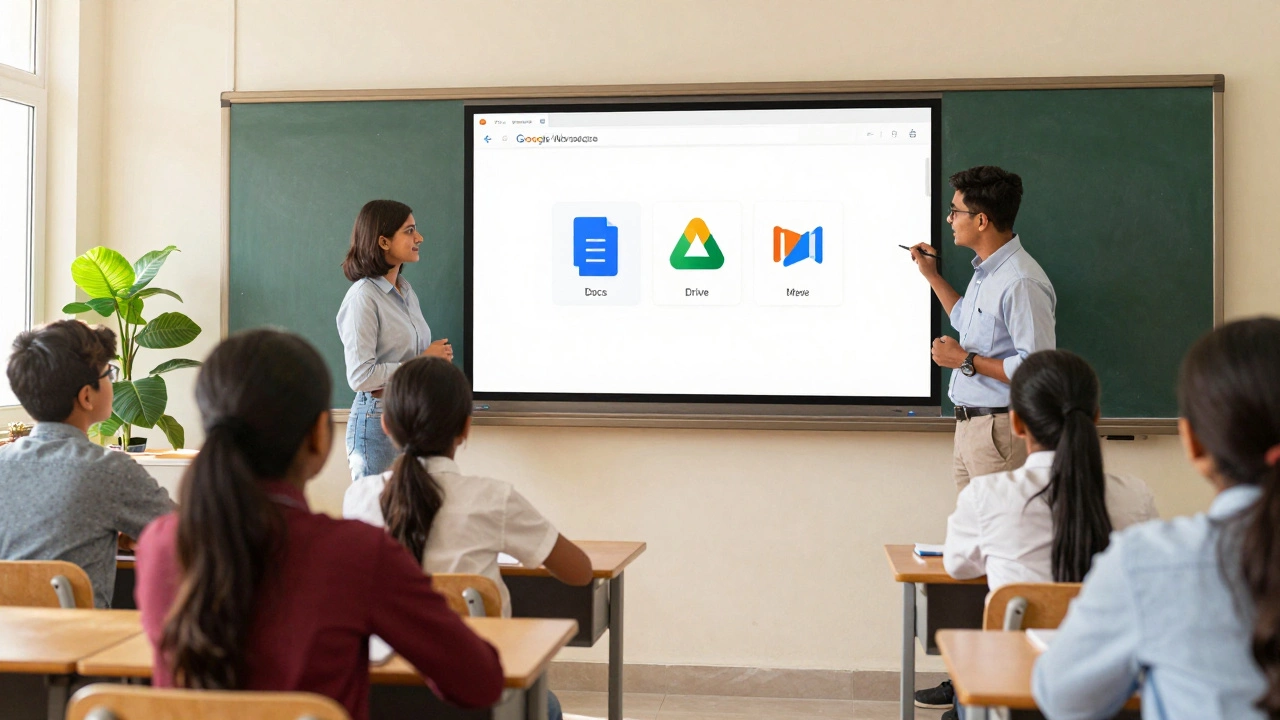
The heart of Google’s presence in schools is Google Workspace for Education, which includes tools like Gmail, Drive, Docs, and Meet. This suite is free for most K-12 schools and higher education institutions. It serves as the operating system for many classrooms worldwide.
When a teacher creates a class code in Google Classroom, they are leveraging Google’s identity management and collaboration tools. Students join using their Google accounts. Assignments are created in Docs or Slides, stored in Drive, and submitted through Classroom. All of this happens seamlessly because these tools share the same underlying infrastructure. This interoperability is a key characteristic of a strong digital platform.
- Collaboration: Multiple students can edit a document simultaneously.
- Storage: Files are saved automatically to the cloud, accessible from any device.
- Communication: Real-time video meetings via Google Meet.
- Organization: Shared calendars and email streams keep everyone aligned.
This ecosystem reduces friction. Teachers don’t need to teach students how to use five different programs. They just need to know how to use Google Docs and Drive. That simplicity is why Google has become so dominant in the e-learning space.
Google Classroom vs. Traditional LMS
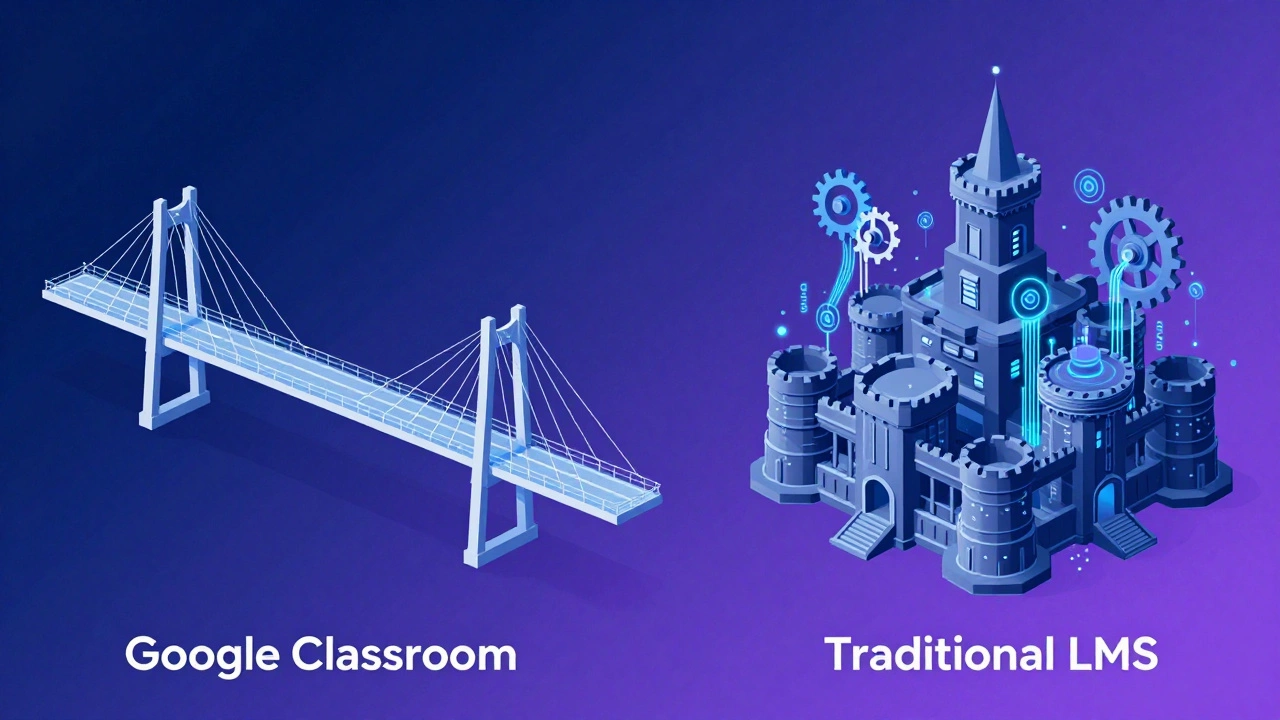
Here is where the comparison gets interesting. Many people ask if Google Classroom is a full-fledged Learning Management System. The answer is nuanced. Google Classroom is lightweight. It excels at distributing assignments and collecting submissions. It integrates perfectly with Google Docs, Sheets, and Slides.
However, traditional LMS platforms like Canvas or Moodle offer deeper functionality. They have built-in quiz engines with complex question types, detailed analytics dashboards, proctoring capabilities, and extensive grade book options. Google Classroom relies on third-party add-ons for some of these advanced features. For example, if you want to create a sophisticated multiple-choice quiz with automatic grading, you might use Google Forms, which integrates with Classroom, but it isn’t as robust as a dedicated assessment tool.
| Feature | Google Classroom | Traditional LMS (e.g., Canvas) |
|---|---|---|
| User Interface | Simple, intuitive, minimal training required | Complex, feature-rich, requires onboarding |
| Content Creation | Integrated with Google Docs/Slides | Built-in editors, supports SCORM packages |
| Assessments | Basic quizzes via Google Forms | Advanced quiz banks, timed exams, plagiarism checks |
| Data Analytics | Limited reporting on submission status | Detailed student performance analytics |
| Cost | Free for most schools | Often paid licensing fees |
If your goal is simple assignment distribution and basic collaboration, Google Classroom works beautifully. If you need rigorous tracking, compliance reporting, and complex assessments, you might need a heavier-duty LMS alongside Google tools.
The Role of AI and Search in Learning
Google is also a platform for discovery. Its search engine is the primary way students find information. In recent years, Google has integrated AI tools like Gemini directly into its workspace. This changes the nature of the platform from a passive storage and communication hub to an active learning assistant.
Students can use AI to brainstorm ideas, summarize long articles, or debug code. Teachers can use it to generate lesson plans or differentiate instruction materials. This AI layer adds another dimension to Google’s role as a digital platform. It’s not just about storing files; it’s about enhancing cognitive tasks.
However, this raises questions about academic integrity. Schools must establish clear guidelines on how AI can be used within the Google ecosystem. The platform itself doesn’t police usage; it provides the tools. The responsibility falls on educators to guide ethical use.
Privacy and Data Security Concerns
No discussion about Google as an educational platform is complete without addressing privacy. Google is a commercial entity. While Google Workspace for Education has strict data privacy policies and complies with regulations like FERPA (Family Educational Rights and Privacy Act) in the US and GDPR in Europe, concerns remain.
Critics argue that Google collects vast amounts of data on user behavior. Even in education mode, metadata about how students interact with documents can be valuable. Schools must weigh the convenience and cost-effectiveness of Google against potential data risks. Transparency reports and regular audits are essential for maintaining trust.
For parents and administrators, understanding these trade-offs is crucial. Is the ease of use worth the data footprint? For many schools, the answer is yes, provided they implement strong digital citizenship curricula and monitor usage closely.
Integration with Other E-Learning Tools
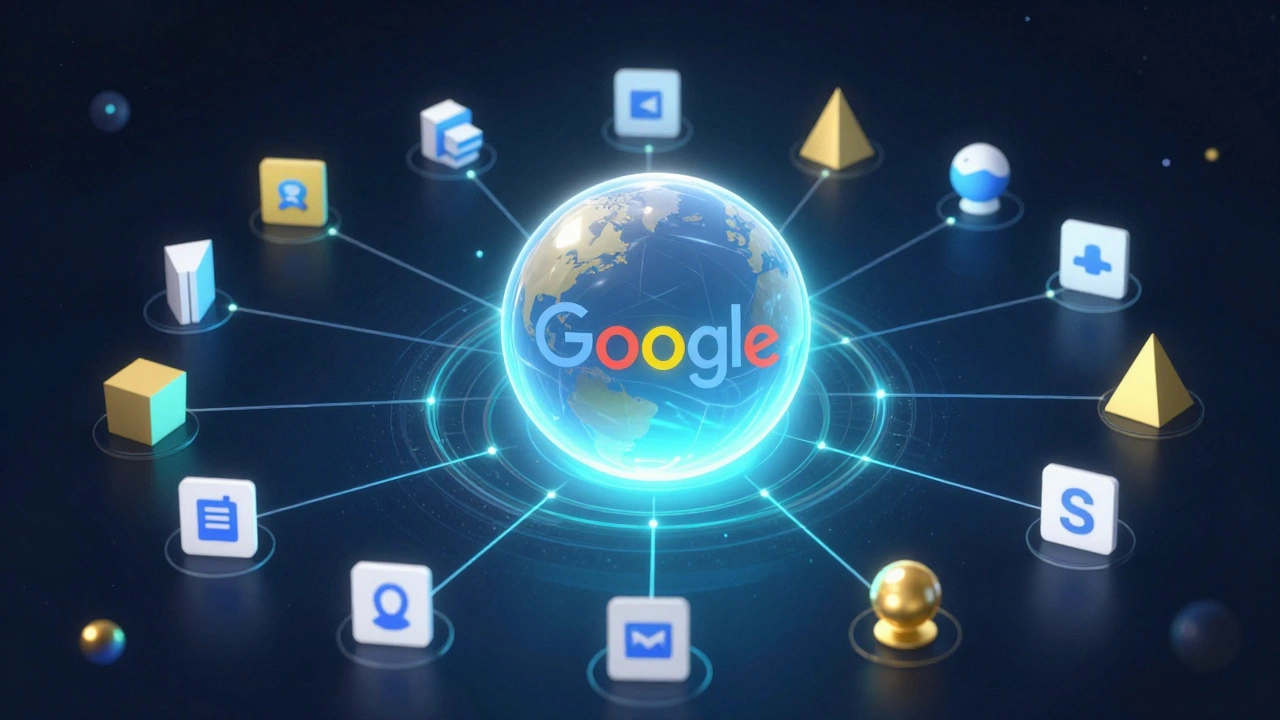
One of Google’s greatest strengths as a platform is its openness. It integrates easily with thousands of other educational apps. Need a coding simulator? There’s an app for that. Need a virtual lab? Another app handles that. Google acts as the central hub, connecting these disparate tools through Single Sign-On (SSO) and API connections.
This modularity allows schools to customize their digital learning environment. They aren’t locked into one monolithic system. They can pick and choose best-in-class tools and connect them all through Google’s identity framework. This flexibility is a hallmark of a mature digital platform strategy.
- Single Sign-On: Students log in once and access all connected apps.
- Roster Sync: Class lists update automatically across platforms.
- Grade Passback: Scores from external apps can flow back into Google Classroom.
This ecosystem approach means Google isn’t competing with specialized tools; it’s enabling them. That’s a powerful position in the ed-tech market.
Conclusion: Google as a Foundational Layer
So, is Google a digital platform? Absolutely. It provides the foundational infrastructure for millions of classrooms worldwide. It may not be a traditional LMS with every bell and whistle, but it functions as a comprehensive digital ecosystem for learning. Its strength lies in simplicity, collaboration, and integration.
For educators, the key is to leverage Google’s core strengths while supplementing gaps with specialized tools when necessary. By understanding Google’s role as a platform rather than just a set of apps, schools can build more effective, flexible, and engaging learning environments.
Is Google Classroom free for universities?
Yes, Google Workspace for Education Fundamentals is free for accredited higher education institutions. However, some advanced features require paid licenses under Google Workspace for Education Plus or Teaching and Learning Upgrade.
Can I use Google for online courses?
Yes, many instructors use Google Classroom combined with Google Meet and Drive to run fully online courses. It supports file sharing, video conferencing, and asynchronous communication effectively.
How does Google ensure student privacy?
Google states it does not sell student data or use it for advertising in Education accounts. It complies with major privacy laws like FERPA and GDPR, and provides schools with controls over data retention and access.
What are the alternatives to Google for e-learning?
Alternatives include Microsoft Teams for Education, Canvas, Moodle, Blackboard, and Schoology. Each has different strengths in terms of interface, pricing, and specific pedagogical features.
Does Google work offline?
Yes, Google Docs, Sheets, and Slides can be accessed offline if configured correctly in Chrome or mobile apps. Changes sync automatically when the device reconnects to the internet.