Learning Station Focus Score Calculator
Rate the following aspects of your current study setup to calculate your "Focus Score." This tool helps identify weak points in your learning station that might be draining your cognitive energy.
Location & Environment
Ergonomics & Comfort
Tech & Connectivity
Distraction Management
Analyzing...
Calculating recommendations based on your inputs.
Top Recommendation:
You know that feeling? You sit down to tackle an online course, open your laptop on the kitchen table, and ten minutes later you’re scrolling through Instagram because the dog is barking and the kettle just boiled. It’s not that you lack discipline; it’s that your brain doesn’t recognize the kitchen table as a "work zone." Setting up a dedicated learning station isn't about buying expensive furniture. It’s about creating a physical trigger for deep focus. If you are serious about finishing that certification or mastering Python, where you sit matters almost as much as what you watch.
| Component | Why It Matters | Budget-Friendly Option |
|---|---|---|
| Ergonomic Chair | Prevents back pain during long sessions | Cushion + lumbar support pillow |
| Desk Surface | Defines the workspace boundary | Dining table corner with mat |
| Lighting | Reduces eye strain and fatigue | Natural light or LED clip-on |
| Connectivity | Ensures smooth video streaming | Wi-Fi extender or Ethernet cable |
Location: Where Should Your Brain Work?
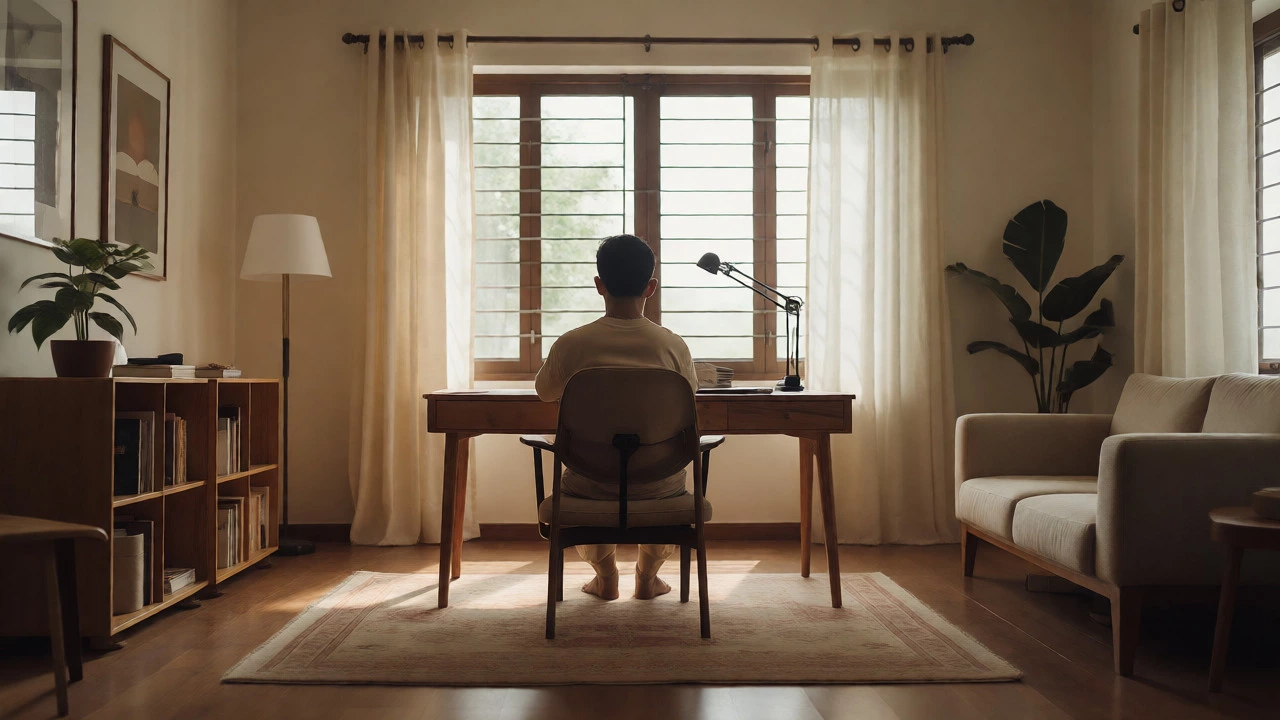
First things first: stop trying to study in bed. Your brain associates bed with sleep and relaxation. When you try to learn complex topics there, you either fall asleep or wake up groggy because your mind hasn't switched modes. The best spot is somewhere quiet, distinct from your leisure areas. If you have a spare room, great. If not, a specific corner of the living room works if you can visually separate it. Use a rug, a different lamp, or even a bookshelf as a visual divider. This separation signals to your subconscious that when you enter this zone, it’s time to think, not relax.
Avoid high-traffic areas like the hallway or right next to the front door. Every interruption breaks your flow state, and it takes an average of 23 minutes to refocus after a distraction. If you live in a shared house, communicate your schedule. Put a small sign on your chair or door handle indicating "In Session" during your study blocks. It sounds simple, but respecting these boundaries protects your cognitive energy.
Ergonomics: Comfort Equals Longevity
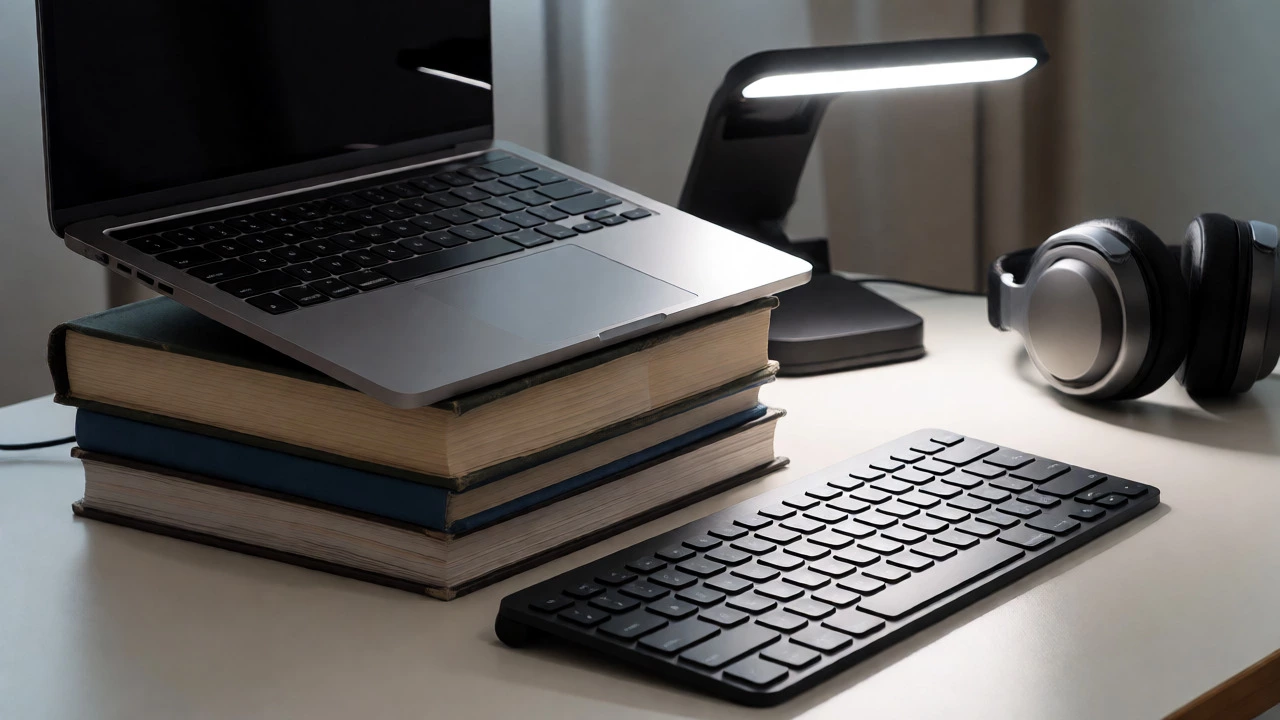
You might be thinking, "I'll just use the dining chair." Sure, for 15 minutes. But most e-learning platforms require hours of continuous engagement. Poor posture leads to discomfort, and discomfort leads to quitting early. You don't need a £500 Herman Miller chair. You need proper alignment. Your feet should rest flat on the floor. Your knees should be at a 90-degree angle. Most importantly, the top of your screen should be at or slightly below eye level. If you're using a laptop, prop it up on books and use a separate keyboard. Looking down at a laptop screen for two hours will wreck your neck.
Consider the 20-20-20 rule: every 20 minutes, look at something 20 feet away for 20 seconds. This prevents digital eye strain, which is a major cause of headaches during online courses. A simple standing desk converter can also help if you find yourself getting sluggish while sitting. Alternating between sitting and standing keeps blood flowing and alertness high.
Tech Setup: Eliminate Friction
Nothing kills momentum like buffering videos or fumbling for chargers. Your tech setup should be invisible-it should just work. Start with connectivity. If your Wi-Fi signal is weak in your chosen corner, invest in a mesh network node or run an Ethernet cable directly to your router. Laggy video calls or stuttering lecture playback disrupts comprehension. Test your internet speed before committing to a location. Tools like Speedtest.net give you concrete numbers; aim for at least 25 Mbps download for HD streaming without interruptions.
Audio is often overlooked. Laptop speakers are usually tinny and hard to hear clearly, especially if you're learning a language or listening to dense lectures. A decent pair of noise-canceling headphones makes a massive difference. They block out household noise and improve audio clarity. If you prefer ambient sound, white noise apps can mask distracting background chatter. Also, keep a power strip within arm's reach. Running across the room to plug in your tablet mid-lesson is a minor annoyance that adds up to significant friction over weeks of study.
Lighting: See Clearly, Think Sharply
Bad lighting makes you sleepy. Dim, warm light mimics evening conditions, telling your body it’s time to wind down. For learning, you want cooler, brighter light that promotes alertness. Natural light is best, but position your desk perpendicular to the window. Facing the window causes glare on your screen; having it behind you creates shadows on your face during video calls. If natural light isn't available, use a task lamp with adjustable brightness and color temperature. Aim for daylight bulbs (around 4000K-5000K) rather than warm yellow ones.
Ensure the light source doesn't cast harsh shadows on your notebook or keyboard. Diffused light is easier on the eyes. You can achieve this by placing the lamp so it illuminates your workspace evenly. If you work late into the night, consider blue-light filtering glasses or software settings on your monitor to reduce eye strain without sacrificing alertness.
Minimize Distractions: The Digital Detox
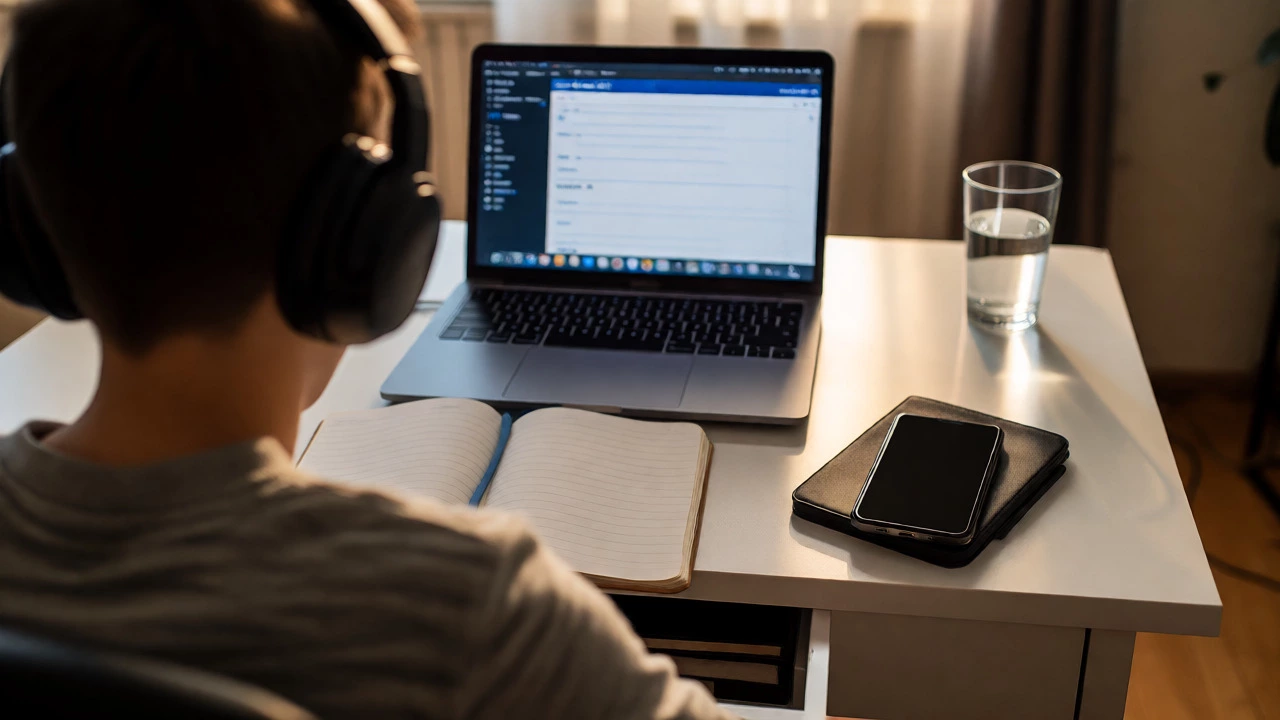
Your phone is the biggest enemy of your learning station. Even if it's silent, seeing notifications pop up pulls your attention away. Create a physical distance. Keep your phone in another room or inside a drawer. If you must have it nearby, use "Do Not Disturb" mode strictly. Better yet, use apps like Forest or Freedom that lock your social media apps during study blocks. These tools gamify focus and provide tangible data on how much time you actually spend distracted versus studying.
On your computer, close all unrelated tabs. Browser extensions like StayFocusd or LeechBlock can limit access to sites like Reddit or YouTube during set hours. Treat your browser like a library reading room-only the materials relevant to your current lesson belong there. If you're taking notes digitally, keep a single note-taking app open. Switching between Word, Excel, and your browser constantly fragments your attention.
Routine and Rituals: Train Your Brain
A physical setup is only half the battle. You need a routine to activate it. Pick a consistent time each day for your learning session. Consistency builds habit faster than intensity. Before you start, do a quick "setup ritual": clear your desk of clutter, pour a glass of water, put on your headphones, and open your course platform. This sequence becomes a cue for your brain to switch into learning mode.
End your session with a similar shutdown ritual. Review your notes, save your progress, and physically step away from the desk. Don't linger checking emails at your learning station. By leaving the space immediately after studying, you reinforce the association between that specific area and focused work. Over time, simply sitting down will trigger a state of readiness, reducing the mental effort required to get started.
Do I need a separate room for my learning station?
No, a separate room is ideal but not mandatory. A dedicated corner in a larger room works well if you use visual dividers like a bookshelf or rug to define the space. The key is consistency-always use the same spot for studying so your brain associates it with focus.
What is the best lighting for online learning?
Natural light is best, but ensure it comes from the side to avoid screen glare. If using artificial light, choose cool white bulbs (4000K-5000K) with a task lamp positioned to illuminate your workspace evenly without casting harsh shadows.
How important is internet speed for a learning station?
It is critical. Buffering disrupts comprehension and breaks concentration. Aim for a stable connection with at least 25 Mbps download speed. Using an Ethernet cable instead of Wi-Fi can significantly improve stability and reduce latency.
Can I use my dining table as a learning station?
Yes, but you need to create boundaries. Use a specific chair, a desk mat, and good lighting to distinguish the study area from eating areas. Try to sit in the same spot every time to build the habit.
What equipment helps most with focus?
Noise-canceling headphones are highly effective for blocking distractions. Additionally, using website blockers on your computer and keeping your phone in another room can drastically improve concentration levels.