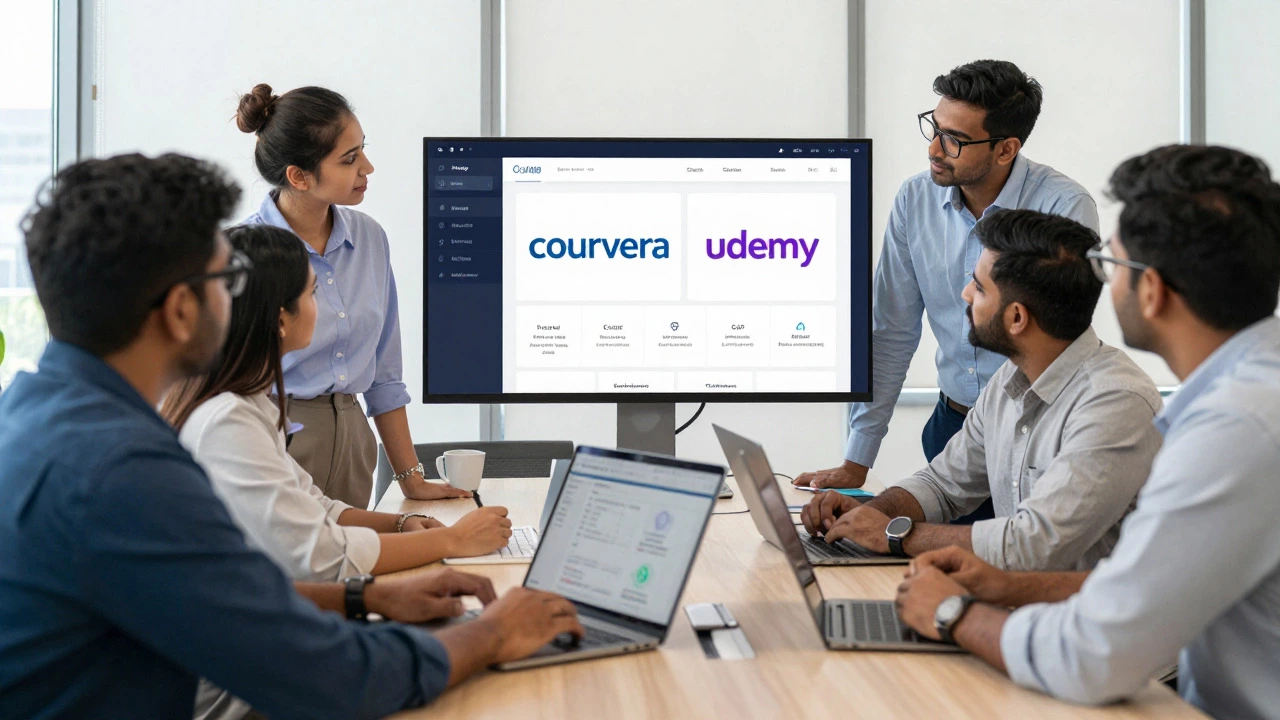
E-Learning Platform Matcher
Adjust the sliders to match your situation.
Recommended Platforms
Ready to compare?
Set your preferences on the left and click "Find Best Match" to see which platform fits your profile.
Scrolling through endless lists of course catalogs can feel like walking into a supermarket with no shopping list. You see flashy banners promising career transformations, but you’re left wondering which platform actually fits your schedule, budget, and learning style. The truth is, there is no single "best" e-learning platform for everyone. The right choice depends entirely on what you are trying to achieve-whether that’s getting a university certificate, picking up a coding skill in a weekend, or brushing up on soft skills for work.
In 2026, the landscape has shifted significantly. AI tutors are now standard features, micro-credentials are widely accepted by employers, and the line between casual hobby learning and serious professional certification has blurred. To help you cut through the noise, we will break down the top contenders based on real-world use cases, pricing structures, and credential value.
What is the best e-learning platform for beginners?
Coursera is often the best starting point for beginners because it offers free audit options for many courses from top universities. It provides structured learning paths that guide you from zero knowledge to basic proficiency without overwhelming you with technical jargon immediately.
Defining Your Learning Goal First
Before you sign up for anything, ask yourself one question: Why am I doing this? Your answer dictates the platform. If you need a recognized degree or certificate for a promotion, you need academic rigor. If you want to learn Photoshop tonight to fix a vacation photo, you need speed and practicality. Mixing these up leads to frustration. Buying a $500 certificate program when you just needed a 10-minute tutorial is a common mistake. Conversely, taking a free YouTube tutorial when you needed an accredited credential wastes time.
We categorize platforms into three buckets: Academic & Professional Certification, Practical Skill Acquisition, and Corporate Training. Each serves a distinct purpose in the modern education ecosystem.
The Heavyweights: Academic and Professional Credentials
If your goal is career advancement, resume boosting, or formal education, you need platforms that partner with universities and industry leaders. These platforms offer verified certificates that carry weight on LinkedIn and in job applications.
Coursera remains the giant in this space. Launched in 2012, it partners with over 300 leading universities and companies, including Yale, Google, and IBM. Its strength lies in its "Specializations"-series of courses that culminate in a shareable certificate. For example, their Google Data Analytics Professional Certificate has helped thousands transition into tech roles without prior degrees. The content is rigorous, peer-reviewed, and often includes hands-on projects. However, it can be slow-paced if you just want quick answers.
edX, founded by Harvard and MIT, leans even heavier into the academic side. Its courses are often identical to those taught on campus. If you are looking for deep theoretical knowledge in computer science, economics, or engineering, edX is unmatched. Their "MicroMasters" programs allow you to earn graduate-level credits that can sometimes be applied toward a full master’s degree. This makes it ideal for lifelong learners who want to test the waters before committing to a full tuition fee.
LinkedIn Learning (formerly Lynda.com) sits in a unique spot. It is less about academic theory and more about business-ready skills. Because it integrates directly with your LinkedIn profile, completing a course automatically adds the certificate to your profile. This visibility is a huge plus for professionals networking in corporate environments. The videos are short, high-production quality, and focused on immediate application-like mastering Excel pivot tables or understanding project management frameworks.
The Practitioners: Hands-On Skill Building
Sometimes you don’t care about a certificate from a university. You just want to build something. Maybe you want to code a website, edit a video, or design a logo. For these goals, marketplaces where individual experts upload courses are often better than institutional platforms.
Udemy is the Amazon of online learning. Anyone can teach, which means quality varies wildly. However, the volume of topics is unbeatable. From "Advanced Python Programming" to "Sourdough Bread Baking," Udemy has it. The key here is filtering. Look for courses with over 10,000 students and recent reviews. Prices fluctuate constantly; never pay full price. Wait for a sale, and you can get premium courses for $10-$15. It is perfect for self-directed learners who know exactly what tool they want to master.
Pluralsight targets tech professionals specifically. Unlike Udemy’s marketplace model, Pluralsight curates its content strictly for IT, software development, and creative technology. It uses skill assessments to place you at the right level and tracks your progress against industry benchmarks. If you are a developer needing to stay current with cloud computing or cybersecurity certifications, Pluralsight’s structured "Skill Paths" save hours of searching for relevant resources.
Codecademy takes a different approach by making learning interactive. Instead of watching a video, you type code directly into the browser. This immediate feedback loop is crucial for programming languages. While it may not offer the depth of a university course, it is arguably the fastest way to go from "I’ve never coded" to "I can build a simple app."
Comparison Table: Key Features at a Glance
| Platform | Primary Focus | Credential Value | Pricing Model | Best For |
|---|---|---|---|---|
| Coursera | Academic & Professional Certs | High (University-backed) | Subscription or Per-Course | Career changers, degree seekers |
| edX | Higher Education | Very High (MIT/Harvard) | Audit Free / Pay for Cert | Deep theoretical learning |
| Udemy | Practical Skills | Low (Completion only) | One-time purchase (Sales) | Hobbyists, specific tools |
| LinkedIn Learning | Business & Soft Skills | Medium (Profile integration) | Monthly Subscription | Corporate professionals |
| Pluralsight | Tech & IT | High (Industry recognized) | Monthly Subscription | Developers, IT staff |
Pricing Strategies: What Are You Really Paying For?
Understanding the economics of e-learning prevents sticker shock. Most platforms use one of two models: subscription or à la carte.
Subscription models, used by Coursera Plus, LinkedIn Learning, and Pluralsight, cost between $30 and $50 per month. This makes sense if you plan to take multiple courses within that period. If you only need one specific skill, you might end up paying more than necessary. However, subscriptions often include access to entire libraries, allowing you to explore adjacent topics without extra cost.
À la carte models, typical of Udemy and some edX courses, charge per course. Udemy prices range from $10 to $200, but frequent sales keep the average around $15. This is cost-effective for one-off learning but expensive if you are building a broad skill set over time. edX allows you to "audit" most courses for free, meaning you can watch all lectures and read materials without paying. You only pay if you want the verified certificate and graded assignments.
Hidden costs to consider include textbook fees (rare in e-learning but possible in academic courses), software requirements (some coding courses require paid IDEs), and time. Time is money. A 40-hour course taken over six months requires significant discipline. Factor in whether you have the bandwidth to commit.
Emerging Trends in 2026
The e-learning space is evolving rapidly. In 2026, several trends are reshaping how we consume education:
- AI-Powered Personalization: Platforms like Coursera and Duolingo now use AI to adapt difficulty levels in real-time. If you struggle with a concept, the system generates additional practice problems tailored to your weak points. This reduces the frustration of "one-size-fits-all" teaching.
- Micro-Credentials: Employers are increasingly valuing short, verifiable badges over long certificates. Platforms are breaking down large courses into smaller, stackable modules that you can complete in a week.
- Immersive Learning: VR and AR are entering the mainstream for vocational training. Medical students practice surgeries in virtual reality, and mechanics learn engine repair through augmented reality overlays. While not yet universal, this is growing fast.
- Community-Led Learning: Isolation is a major dropout factor. Newer platforms emphasize cohort-based learning, where you start and finish a course with a group of peers. This accountability boosts completion rates significantly compared to self-paced solo learning.
How to Choose: A Decision Framework
To make your final decision, follow this simple checklist:
- Define the Outcome: Do you need a certificate for HR? Go with Coursera, edX, or LinkedIn Learning. Do you just want to learn? Go with Udemy or Codecademy.
- Check the Budget: Can you afford a monthly subscription? If yes, LinkedIn Learning or Coursera Plus offers great value. If you prefer one-time payments, wait for Udemy sales.
- Assess Learning Style: Do you prefer watching videos? Most platforms do this well. Do you need to do? Choose Codecademy or Pluralsight for interactive exercises.
- Verify Currency: Check the last update date of the course. In tech and digital marketing, a course from 2022 might already be outdated. Ensure the instructor updates content regularly.
- Read Recent Reviews: Ignore reviews older than a year. Look for comments about customer support, video quality, and relevance of material.
Frequently Asked Questions
Is Coursera better than Udemy?
It depends on your goal. Coursera is better if you need a recognized certificate from a university or company for your resume. Udemy is better if you want to learn a specific practical skill quickly and cheaply, without caring about formal accreditation.
Are online certificates worth it in 2026?
Yes, especially in tech, data analysis, and digital marketing. Employers value demonstrated skills. However, the certificate itself is less important than the portfolio projects you complete during the course. Always prioritize platforms that require hands-on assignments.
Which platform is best for learning programming?
For absolute beginners, Codecademy is excellent due to its interactive coding environment. For deeper, comprehensive computer science education, Coursera (via University of London or Caltech) or edX (via Harvard/MIT) are superior. For professional developers staying current, Pluralsight is the industry standard.
Can I get a refund if I don't like the course?
Most platforms offer generous refund policies. Udemy typically offers a 30-day money-back guarantee regardless of progress. Coursera allows refunds within 14 days of payment if you haven't completed too much of the course. Always check the specific terms before purchasing.
Is LinkedIn Learning included in my LinkedIn account?
Not automatically. LinkedIn Learning is a separate subscription service. However, many public libraries in the US and UK offer free access to LinkedIn Learning with a library card. Check your local library’s digital resources before subscribing.